A feature in Onlime · Sharing
Share anything. With one link.
Share your files, folders, photos and albums with ease, whatever the size. Send a link and stay in control of who sees what.
01 · Link sharing
Anything can be shared with a link.
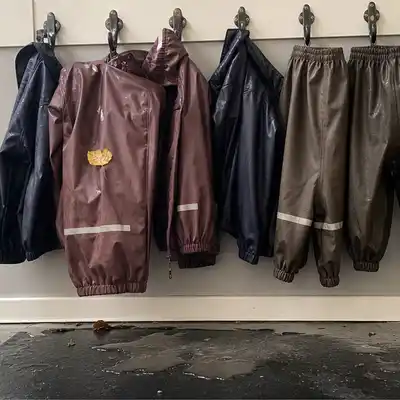
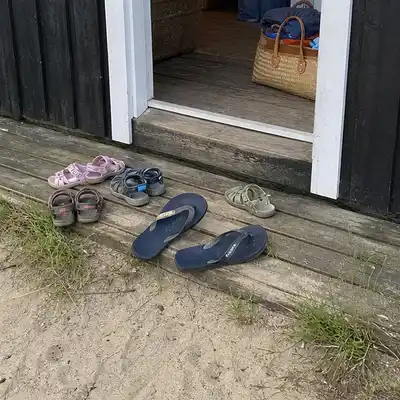
Files, folders, photos, albums, PDFs, RAW, video, spreadsheets. Anything can be shared with a simple link straight to your files in the cloud. No upper limit on file types or sizes, and the recipient doesn't need an Onlime account.





02 · How it works
See the share from both sides.
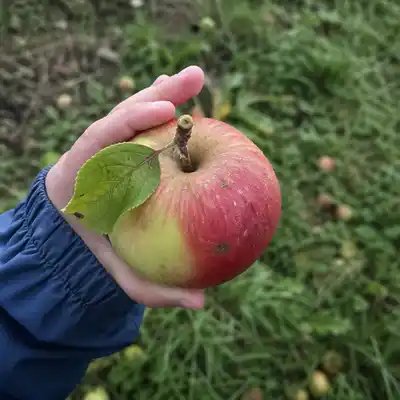
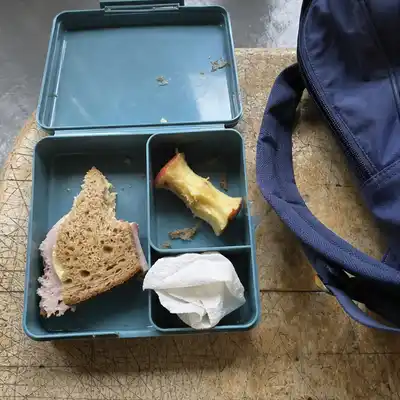
You pick the content, and the recipient gets the link in a message. It unfolds right inside the message, no account, no app.
onlime.dk/s/a8f3Copy03 · Privacy
Secure sharing, no compromise.
Five things worth knowing about how we handle your shared files. Click a card to read more.
Easy to get started
Try it all.
You get the Home 100 GB plan with up to 5 users. All features included.
No commitment14-day money-back for private customersPay by card or MobilePay · Secure payment via Frisbii
FAQ
Questions? Answers 👇🏻
What can I share with Onlime?
Onlime lets you share your files, folders, photos and albums with friends, family or colleagues. There are two ways: Public link, share anything from one file to large amounts of files or folders with a link, which you send in an email or message. Shared folders, if you want to collaborate with others in the same folders, shared folders are a smart way to work together. All content syncs between the members.
What are shared folders?
Members of a shared folder get the contents synced to their own Onlime account. All members have full access and can add, edit and delete. All changes sync automatically to every member. A shared folder can be seen in Sync on Onlime.dk and in the special Onlime Sync folder, once you have installed Onlime on Windows and Mac.
What is a shared link?
A shared link is a direct internet address to files or folders that you have uploaded to Onlime and chosen to share. The link can be sent in an email, a message or on social media. The recipient doesn't need an Onlime account to view or download the content.
Can I cancel a share?
Yes, you can always cancel a share, whether it's a shared link or a shared folder. When you cancel, the recipients lose access immediately.
Where are my shared files physically located?
Your shared files are stored in Onlime's primary datacenter in Stavanger, Norway, powered by 100% Norwegian hydropower, backed by guarantees of origin. They stay in Scandinavia, protected by Norwegian law and EEA jurisdiction. Read more on the security page.
Can recipients of my link reshare the content?
A recipient could in theory copy the link URL itself and send it on. But you, as the owner, can always cancel a shared link. Both the original recipient and any onward shares then lose access immediately. If you want tighter control, use shared folders instead, where you control the member list yourself.
Does Onlime use my shared files to train AI?
No. Onlime doesn't train machine-learning models on your content. Your shared files aren't scanned for monetization, and we don't use your content to improve algorithms across users. You own your data.
What happens to my shares when I cancel my subscription?
You can cancel anytime, with no lock-in. Private customers also get a 14-day money-back guarantee on purchases and renewals. You can download all your shared files before the account closes, after which your data is permanently deleted per Onlime's data processing agreement. All active shared links and shared folders are deactivated at the same time.